[ RETURNING_TO_INDEX ]

Privora AI Camera

DATA_STREAM_ACTIVE
Privora AI Camera

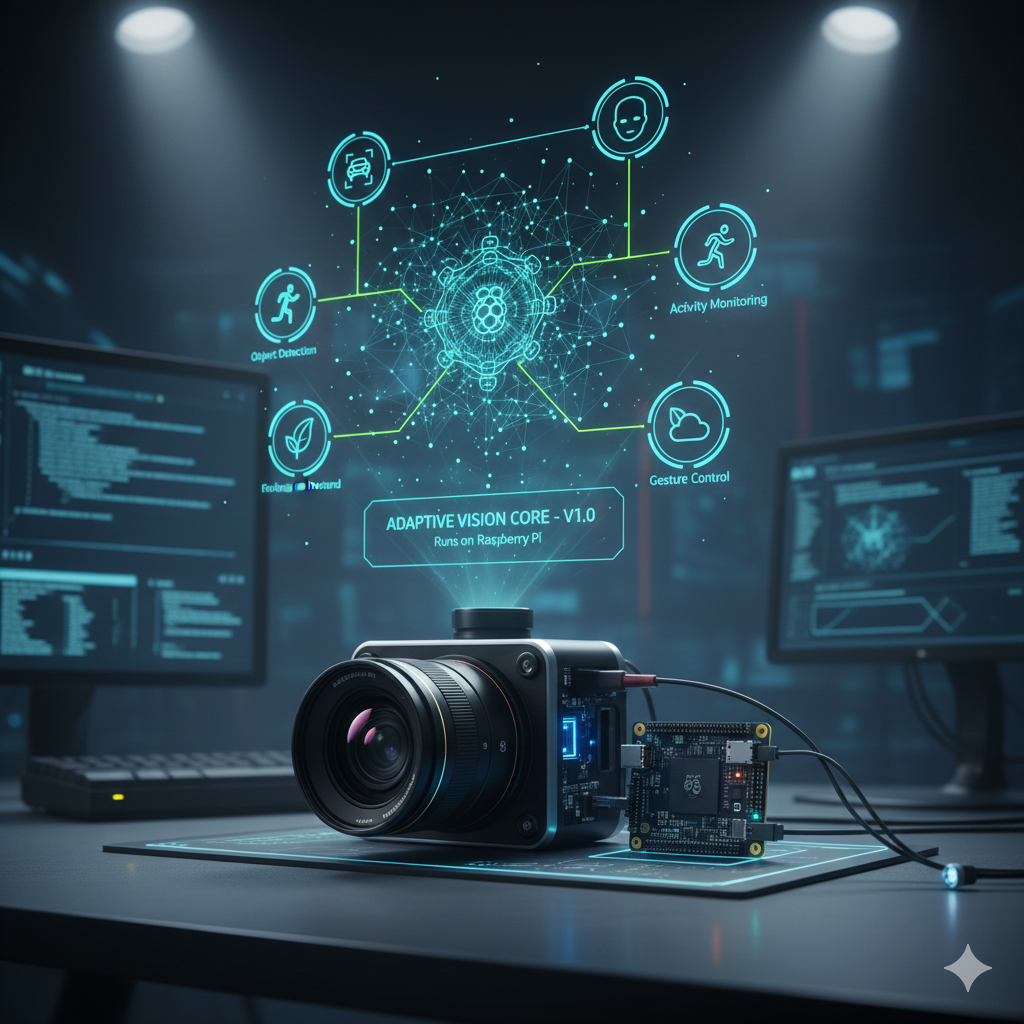
Privora is an AI-powered multi-camera surveillance system with real-time AI detection, face recognition, license plate reading, and a web dashboard. Privacy-first design — can run fully isolated on your local network with zero outside connection required. Your footage, faces, and plates never leave your hardware. Runs on Raspberry Pi and PC.

System_Features

Object Detection (YOLOv8)
Real-time detection of persons, vehicles, and more with Ultralytics YOLOv8.
Face Recognition (FaceNet)
Multi-frame aggregation for accurate identification. Enroll faces via dashboard.
License Plate Recognition (ANPR)
EasyOCR with optional YOLO plate model. Plate watchlist alerting.
Multi-Camera Support
Manage multiple RTSP/IP cameras from a single dashboard.
Web Dashboard
Live MJPEG stream, analytics, event browser, notifications, and settings.
Docker Support
Single command deployment with docker-compose.

AI_Modes

[YOLO]
Object detection only — general surveillance
[FACENET]
Face recognition only — access control
[BOTH]
YOLO + FaceNet combined — full security
[ANPR]
Toggle alongside any mode — plate recognition

User_Roles

[ADMIN]
Stream, Events, Faces/Plates, Settings, Users
[OPERATOR]
Stream, Events, Faces/Plates
[VIEWER]
Stream, Events

Architecture

Camera (RTSP/Picamera) → Frame Buffer → AI Runner → Web Dashboard
                                                   |
                                    YOLO + FaceNet + ANPR
                                                   |
                                     SQLite Events DB
                                                   |
                                  Alerts + Notifications

Quick_Start

# Direct Install (Windows)
git clone https://github.com/robomixes/ai-camera.git
cd ai-camera
setup.bat
venv\Scripts\activate
python run_web.py

# Direct Install (Linux / Raspberry Pi)
git clone https://github.com/robomixes/ai-camera.git
cd ai-camera
chmod +x setup.sh && ./setup.sh
source venv/bin/activate
python run_web.py

# Docker
git clone https://github.com/robomixes/ai-camera.git
cd ai-camera
docker-compose up -d

# Dashboard: http://localhost:8080
# Default login: admin / admin

API_Endpoints

  • GET /stream — MJPEG live stream
  • GET /stream/events — SSE detection events
  • GET /api/health — health check (public)
  • GET /api/events — query events
  • GET /api/events/export — download CSV/JSON
  • POST /api/faces/enroll — enroll face
  • GET /api/plates/watchlist — plate watchlist
  • POST /api/ai/mode — switch AI mode
Interactive Swagger docs at /docs (requires login)